If you’re comparing AI classes for kids, coding lessons and robotics programmes, it can seem as if you need to choose the one skill that will matter most in the future. In practice, these subjects connect. Each gives children a different way to explore how technology works.
The best starting point depends on your child’s age, interests and the kind of learning experience they need. Coding develops the logic behind instructions. Robotics turns those instructions into something children can build and test. AI introduces how machines can use data to identify patterns and make predictions.
For many children, a connected progression is more useful than choosing a class based on a technology label alone.
What does each type of class teach?
Coding: the logic behind the action
Coding is the process of giving a computer clear instructions. Children learn to break a task into steps, arrange those steps in order and work out why a program may not behave as expected.
A well-designed coding class develops more than familiarity with a particular programming language. Children practise:
- Sequencing actions and identifying patterns
- Breaking larger problems into smaller steps
- Testing, debugging and improving instructions
- Using logic to predict what a program will do
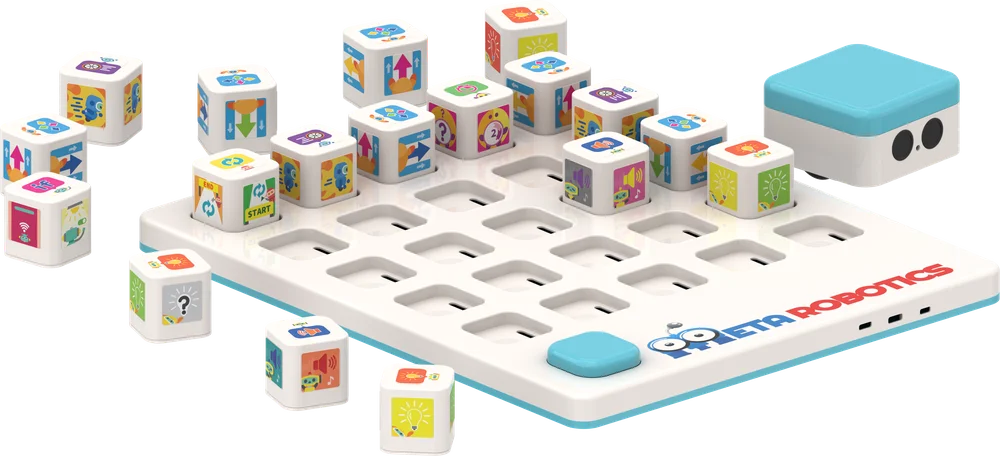
These are useful foundations for robotics and AI. For younger children, coding can begin without a screen through movement, picture commands or simple programmable toys. Older children may progress to block-based coding and, later, text-based languages such as Python.
Robotics: coding you can see and touch
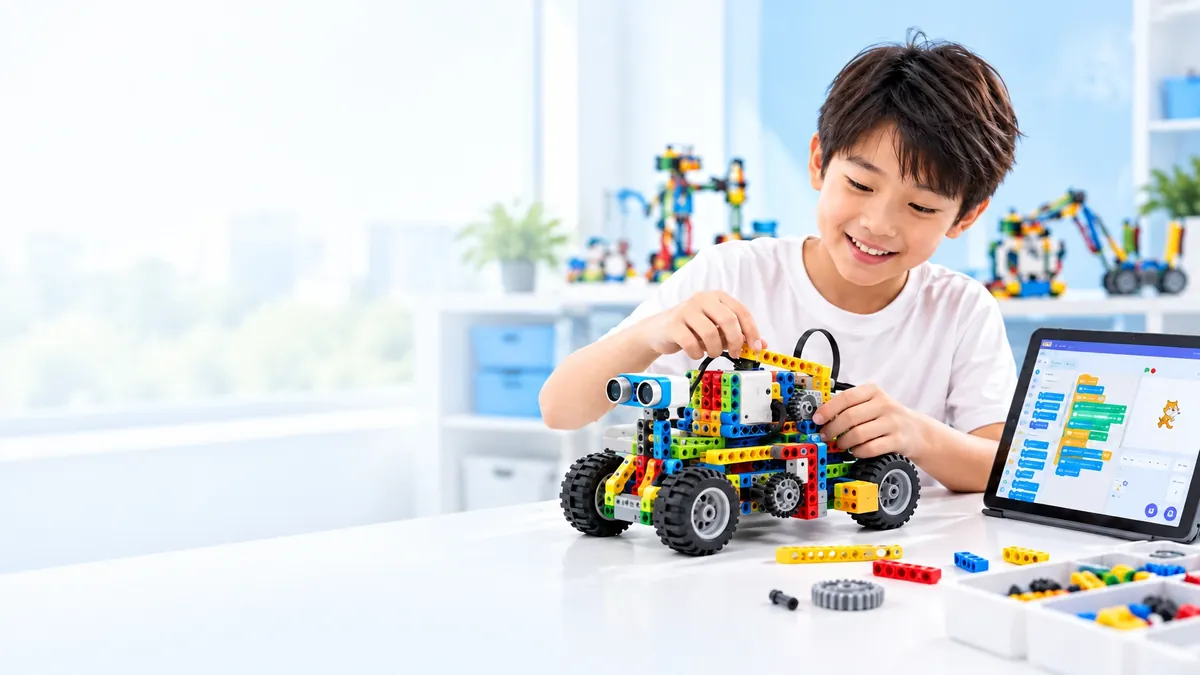
Robotics combines building, engineering and programming. Children construct a model, code it to perform a task, then observe what happens. If it turns too slowly, moves in the wrong direction or fails to complete a challenge, they have something concrete to investigate.
That physical feedback can help make abstract ideas easier to explore. A model can demonstrate how gears affect movement, how balance affects stability or how changing a sequence changes a robot’s actions.
The quality of the learning depends on what children do with the model. A class that focuses only on following build instructions may offer a fun activity, but it may not give children much opportunity to plan, code, troubleshoot or explain their decisions. Look for time to experiment and improve, not just assemble.
AI: understanding how machines use data
AI education introduces children to systems that can find patterns in data and produce outputs, such as a prediction or recommendation. For children, learning about AI should involve more than using a chatbot or trying a novelty tool.
A useful, age-appropriate introduction can explore questions such as:
- What examples or information might a system use?
- Can a machine make a mistake?
- Does changing the data change the result?
- Why should we think carefully about privacy and fairness?
As children get older and develop more coding and data experience, they can take on more technical projects. But AI is not a replacement for foundational skills. Children still need to ask good questions, reason about results and understand that a computer’s output is not automatically correct.
Which option suits your child right now?
There is no single best choice for every child. Consider their age and interests, but also the teaching approach and the next steps a programme makes possible.
| If your child… | Consider starting with… | Look for a class that… |
|---|---|---|
| Is young and enjoys hands-on play | Screenless coding or beginner robotics | Uses simple instructions, movement and physical materials |
| Likes puzzles, patterns or creating on a computer | Coding | Gives them time to create, test and debug their own work |
| Loves building and seeing how things move | Robotics | Connects construction to coding and real engineering ideas |
| Is curious about smart tools or how computers make decisions | Age-appropriate AI literacy | Explores data, limitations and responsible use, not just tool demonstrations |
| Is ready for more advanced technical challenges | A combination of coding, robotics and AI | Builds progressively on skills they already understand |
These are starting points, not fixed rules. A child who does not yet enjoy screen-based coding may engage more readily when they can build and move a model. A child who loves making digital stories may want to explore coding first. Interest can help a child persist when a challenge takes several attempts.
Why a connected pathway matters
Coding, robotics and AI work best when children can see how the ideas relate. A child might first learn to plan a sequence, then use that sequence to control a model, and later explore how data can help a system respond to different inputs.
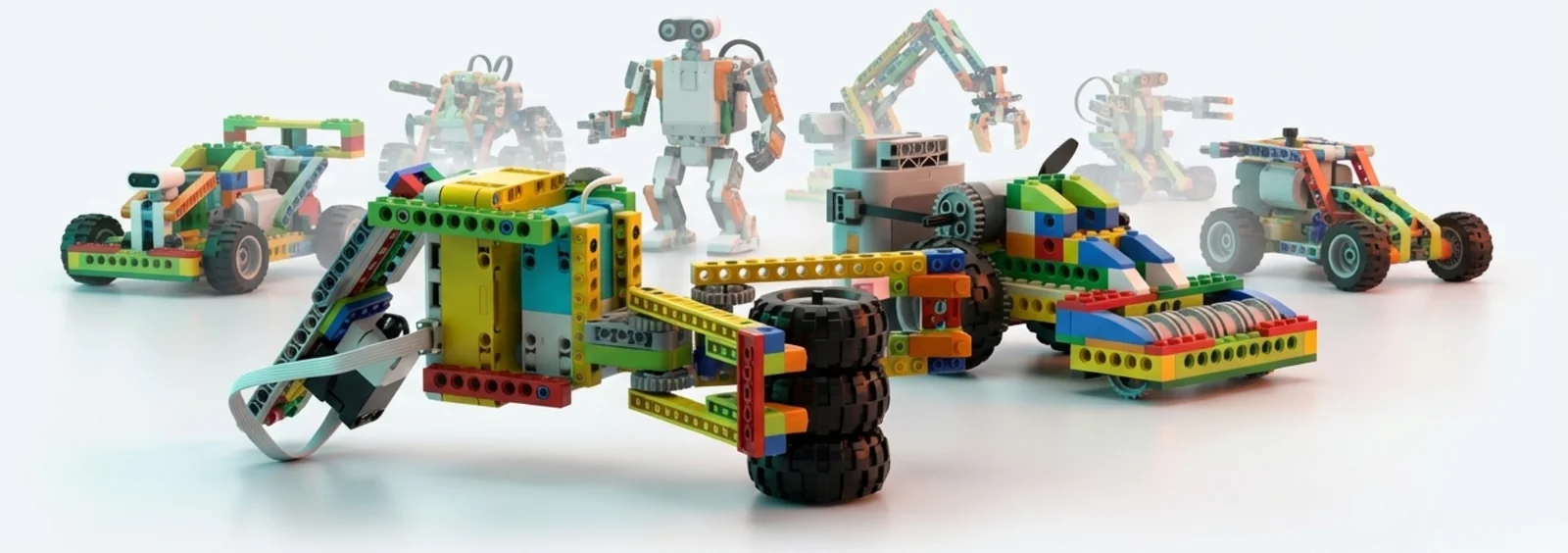
Meta Robotics structures its programme as a progression for ages 3–16, from screenless coding in the early years to block-based coding, robotics, introductory AI and text-based coding for older learners. Its curriculum includes more than 20 modules and 600 proprietary robotic models, with activities connected to science, maths and engineering concepts.
That structure matters because it gives children a next step. Rather than treating each workshop as a standalone experience, a progressive programme can revisit familiar ideas in new projects and at increasing levels of complexity.
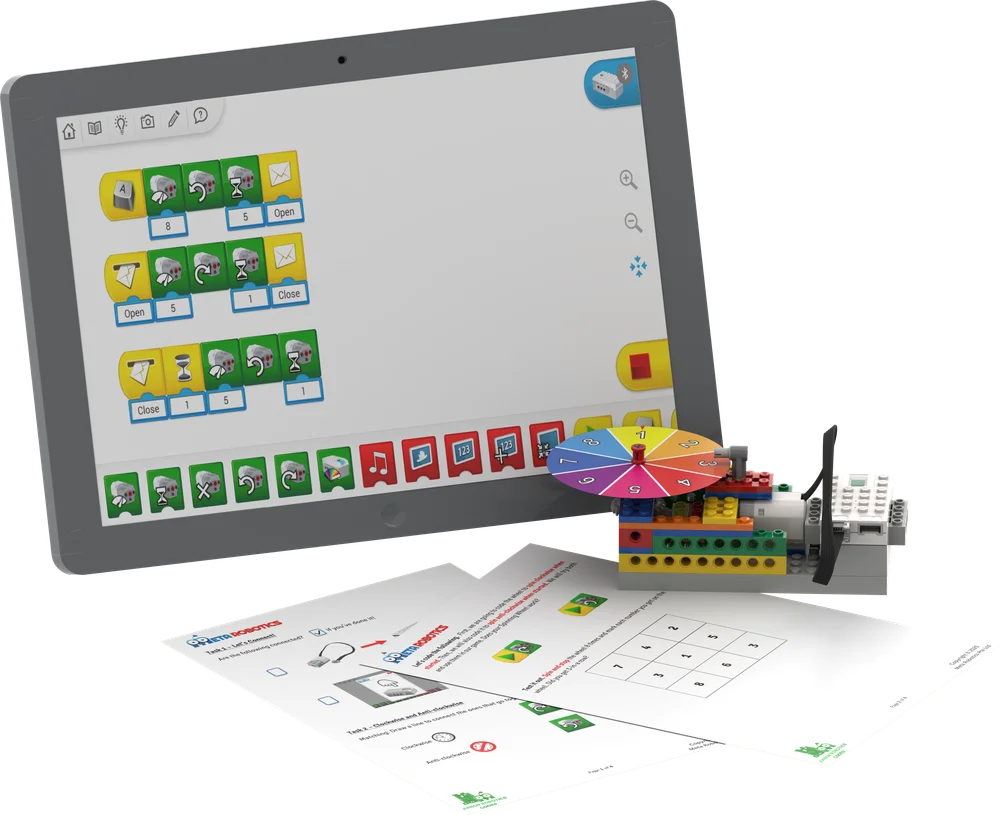
Meta Robotics describes its lesson sequence through five stages: Concept, Construct, Code, Compute and Compete. Children encounter an idea, apply it in a build, program the model, examine and debug the outcome, then use what they have learned in a challenge. This approach connects the physical build to reasoning and reflection.
You can explore the Meta Robotics learning pathway or browse its engineering models to see how building projects connect with concepts such as gears, rotation and lifting mechanisms.
What research suggests, and what it doesn’t
Research reviews have found that structured coding activities can support children’s problem-solving and computational-thinking skills. Studies of educational robotics also explore its potential to engage learners in programming and STEM activities. However, robotics equipment alone does not guarantee learning. The lesson design, teacher guidance and opportunities to test and explain ideas all matter.
AI education is a newer and still-developing field. For parents, that’s a reason to look beyond bold claims. Ask how a class introduces AI, what children actually do, and how the programme addresses mistakes, data and responsible use.
No class can promise a particular academic result or future career. A more practical goal is to help your child develop confidence in asking questions, trying ideas, working through errors and explaining what they have learned.
How to evaluate a class before you enrol
Use these questions when comparing robotics for kids, coding programmes and AI classes:
- What will my child make or do? Look for meaningful projects, not just demonstrations.
- Will they test and improve their work? Debugging and redesign are part of learning, not signs of failure.
- How does the curriculum progress? Ask what children learn next and how their skills develop over time.
- Are activities appropriate for my child’s age? Young learners may benefit from tangible, screenless experiences; older learners may be ready for more complex coding and AI concepts.
- How are the technical ideas explained? Strong teaching makes the link between a build, a code sequence and a real-world concept clear.
- Will my child get enough hands-on time? Ask how much of a session is spent building, coding and problem-solving.
Also consider your child’s existing school experience. Enrichment should add useful depth or a different kind of project rather than simply repeating what they already do.
Choose the right starting point, not the trendiest label
If you’re deciding between coding, robotics and AI classes for kids, start with what will help your child engage and make progress now. Coding can build a foundation in logic. Robotics can make engineering and programming tangible. AI literacy can help older children understand how data-driven systems work, and where their limitations lie.
They do not have to be competing choices. With a thoughtful progression, each can support the next.
Explore Meta Robotics’ programmes to see how its age 3–16 pathway brings STEM, coding, robotics and AI together. If you’re unsure where to begin, ask about a suitable starting level for your child’s age and experience.